
WPShapere includes a built-in Detach License feature that allows you to safely remove a license from one domain and activate it on another.
When should you detach a license?
- When you are moving your website to a new domain or server
- When you no longer want to use WPShapere on the current website
- When you want to reuse the same license on a different domain
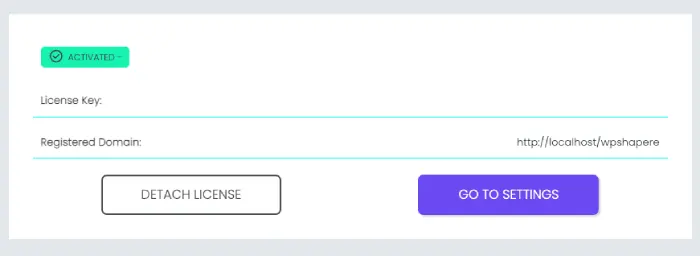
Steps to Detach the License
- Log in to your WordPress Admin Dashboard of the website where WPShapere is currently activated.
- Go to WPShapere Options → Manage License.
- Click the Detach License button.
- Once detached, the license will be released from this domain.
- You can now activate the same license key on a new domain.
⚠️ Make sure you detach the license before deleting the website or resetting the database.
Important Notes
One license = one domain
A license key can be active on only one domain at a time.
License keys are plugin-specific
A WPShapere license cannot be used for any other plugin (such as WpAlter or other products).
We cannot reset licenses from our side
Although we maintain a record of activated domains, we’re unable to verify whether a specific website or plugin installation still exists. For this reason, licenses need to be detached from within the original website before they can be used on another domain.